
Seminar
Build your clinic AI chatbot on site
Learn Claude Code, audit your clinic, and build its AI chatbot in one 90-minute workshop.
Overview
Schedule and attendance details at a glance
Every session follows the same 90-minute program. Workshop and KALDAT registration are separate.
Date · Sunday, August 30, 2026
Held during the KALDAT Busan conference
Duration · 90 minutes per session
Starts at 08:30, 11:00, or 13:30
Capacity · 20 participants per session
60 participants total
For · Clinic owners, managers, and marketers
No coding experience is required.
Venue · Signiel Busan 4F
Grand Ballroom 3
Bring · Laptop and Claude Pro/Max
Charger · Claude Code installed and signed in · clinic website
Schedule
Join the session that works for you
The same 90-minute workshop runs in three sessions. We confirm your session by text after registration.
Session 1
08:30–10:00
20 seats
Session 2
11:00–12:30
20 seats
Session 3
13:30–15:00
20 seats
Outcomes
Leave with three concrete outcomes
Review and keep outcomes built from your clinic materials.
Clinic digital consultation audit
Clinic readiness report
Summarize strengths, missing information, and priorities.
Reviewed consultation knowledge draft
Consultation knowledge draft
Organize treatments, prices, and FAQs by source and approval status.
First multilingual AI chatbot version
24/7 multilingual AI chatbot
Check Korean and foreign-language answers and staff handoff.
Practice
Learn Claude Code and build your clinic chatbot
Four connected stages let you review every result yourself.
- 1
LEARN
Learn Claude Code and connect the tools
Review natural-language instructions, execution approval, and how Skills and MCP work.
- 2
AUDIT
Audit the clinic and collect its data
Use the audit and website collection to review strengths, missing facts, and sources.
- 3
BUILD
Build clinic knowledge and consultation behavior
Apply approved facts, de-identified examples, tone, and response rules in Laney.
- 4
TEST
Test with Korean and foreign-language questions
Find failed answers, revise the knowledge or rules, and save the first chatbot version.
Founding team
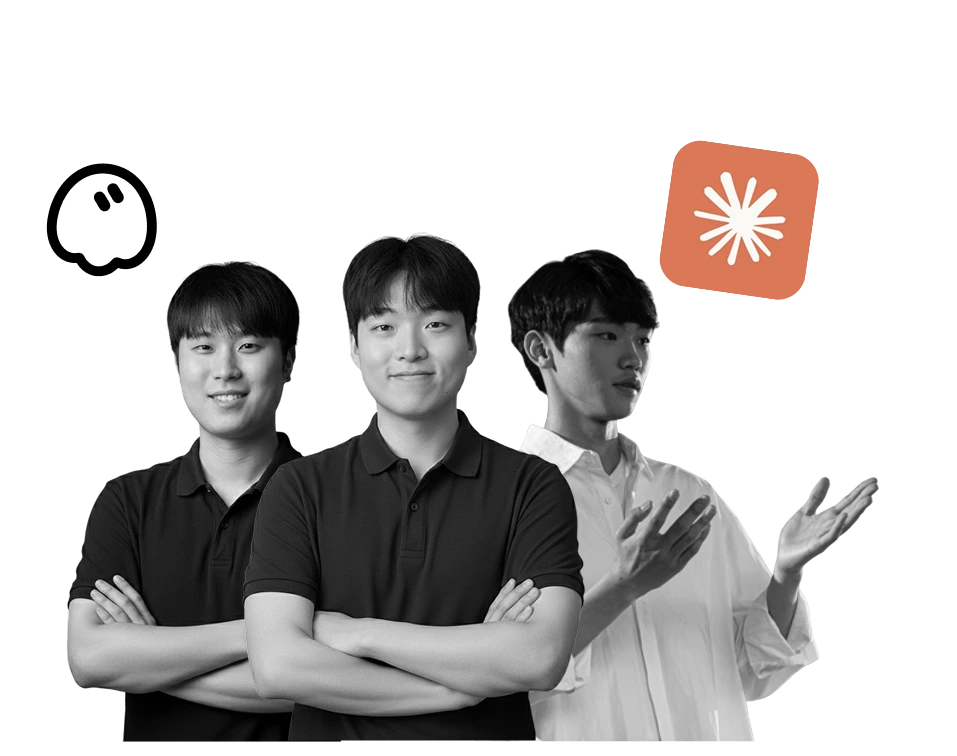
Three POSTECH founders work beside you
Get step-by-step coaching on product, clinic knowledge, and channel connections.
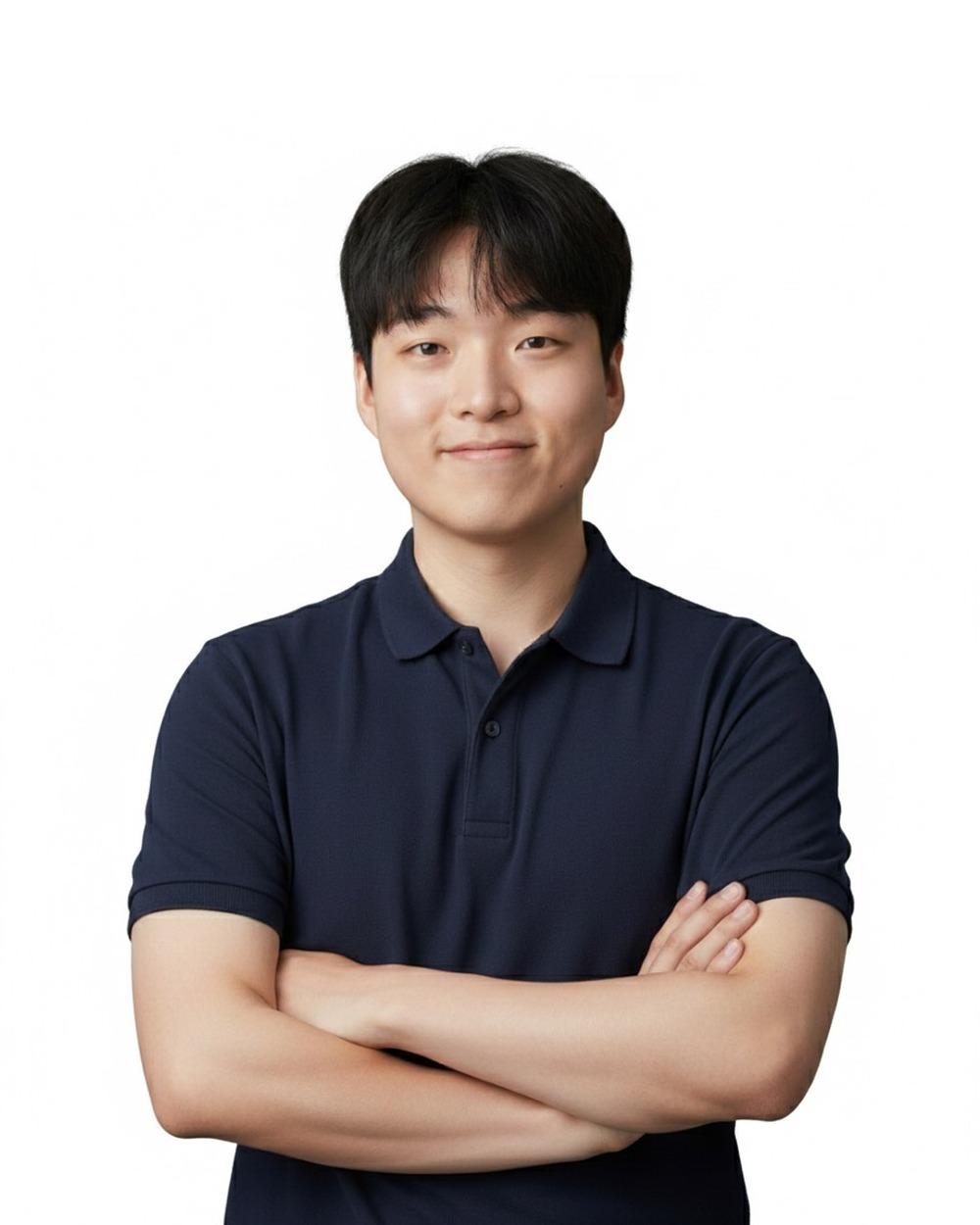
Junho Lee
CEO · AI product strategy
Works with you on product strategy and chatbot setup.
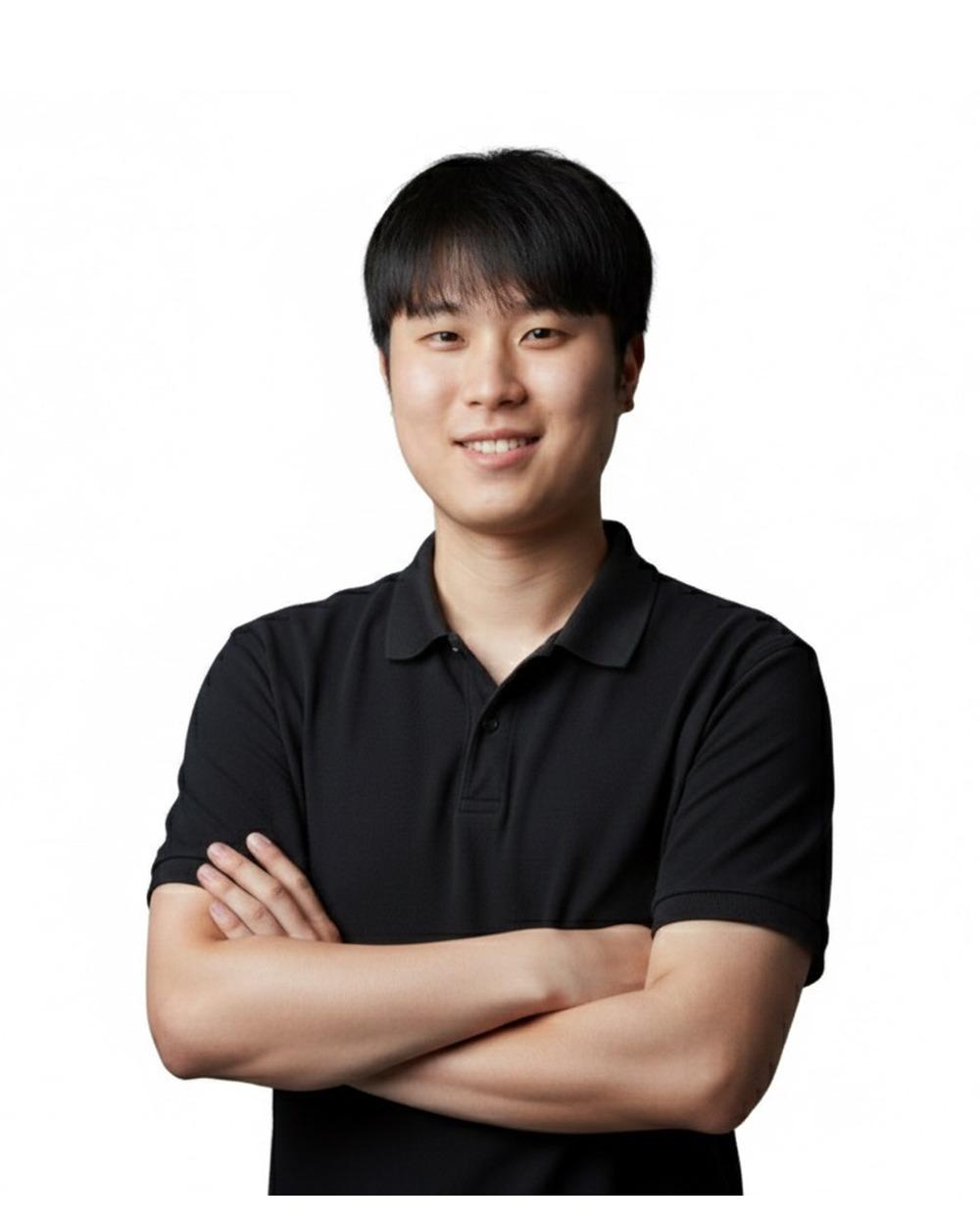
Jaejun You
CPO · Clinic knowledge design
Helps structure clinic knowledge and review answer quality.

Donghee Seo
CSO · Clinic onboarding and channels
Supports clinic onboarding and KakaoTalk and LINE connections.
Speakers
Build with a Forbes-recognized founding team
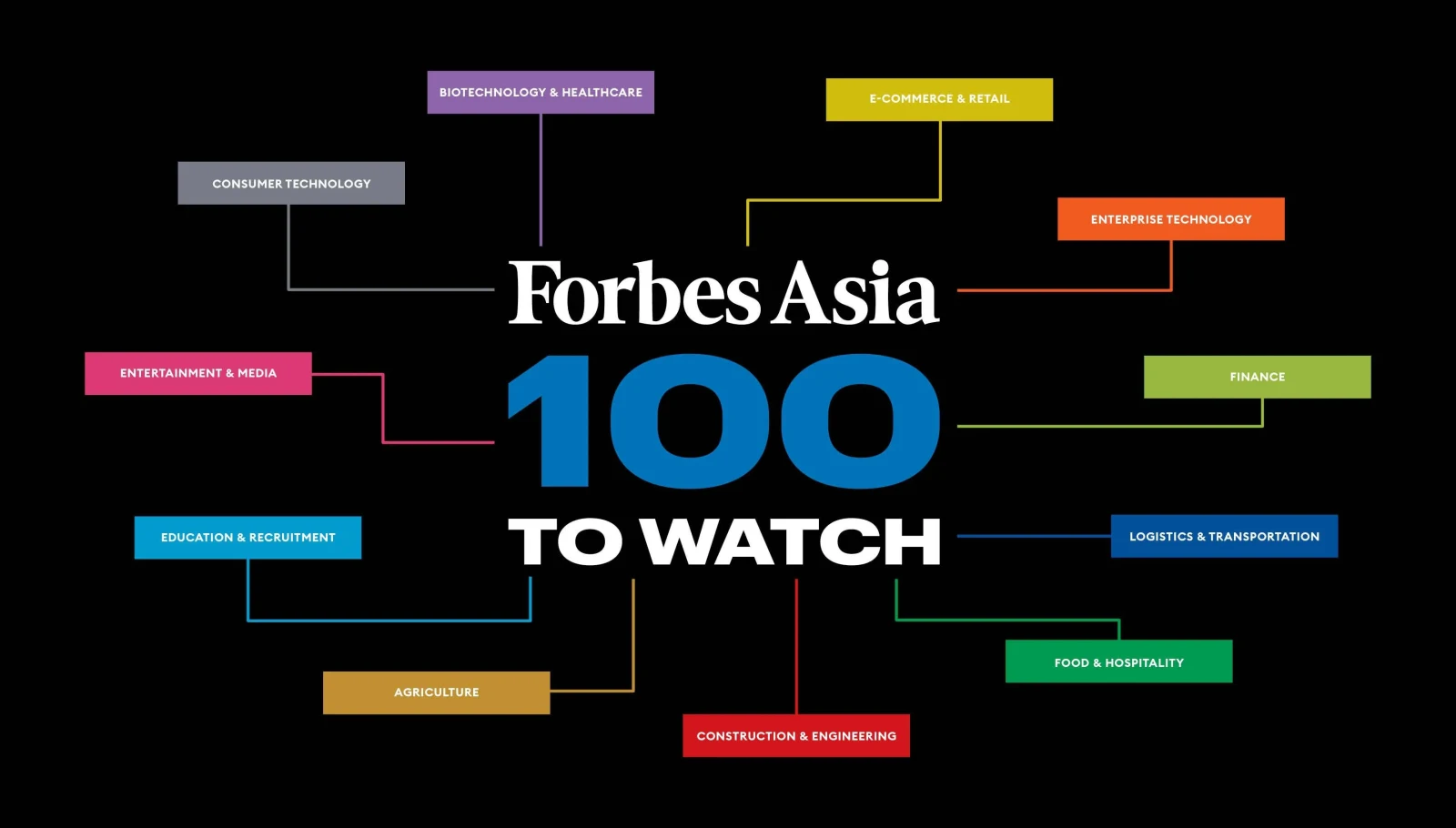
The team was selected for the 2022 Forbes Asia 100 To Watch and 2023 Forbes Asia 30 Under 30 lists.
Forbes Asia
Plask was selected for the 2022 Forbes Asia 100 To Watch list.

Forbes Asia
Cofounders Junho Lee and Jaejun You were selected for the 2023 Forbes 30 Under 30 Asia list.
Screens
See how your clinic data changes
These are the three screens you will build and review on site.
Status and improvement priorities
See which information to improve first.
Knowledge base with visible sources
Review collection sources and approval status together.
Multilingual consultation test
Check Korean and foreign-language answers and staff handoff.
Toolkit
Use prepared Skills and MCP tools
Run each prepared tool and focus on reviewing the result.
Audit digital consultation readiness
Review information quality and improvement priorities.
Collect public clinic data with sources
Collect treatment, price, precaution, and FAQ candidates.
Build the consultation knowledge base from approved data
Organize approved facts with visible relationships and sources.
Find recurring wording in de-identified consultations
Find question types and clinic tone in de-identified examples.
Set clinic tone and reservation rules
Set answer boundaries, staff handoff, and reservation request and confirmation rules.
Test the first chatbot version with real questions
Check Korean and foreign-language answers and staff handoff for medical questions.
Curriculum
Spend more time building than listening
Run every step in Claude Code and review the result yourself.
- 1
00–08 min
How to use Claude Code
Open the project and learn natural-language instructions, plan review, and execution approval. Your task is to request a work plan before any changes.
- 2
08–15 min
Connect Skills and the Laney MCP
Skills define the workflow while the MCP connects Laney data. Check the prepared tools and connection status yourself.
- 3
15–27 min
Run the clinic Audit Skill
Audit digital consultation readiness from public website information. Approve three facts and correct one inaccurate item.
- 4
27–39 min
Collect clinic website data
Collect hours, location, treatments, prices, and FAQ candidates with sources. Hold any unsupported or outdated information.
- 5
39–50 min
Run the Entity Setup Skill
Structure approved facts into clinic, hours, treatment, and FAQ entities. Review the planned changes before building the knowledge base.
- 6
50–61 min
Organize Kakao consultation data
Find recurring questions and clinic wording in approved de-identified examples. Approve three FAQs and exclude medical judgment questions.
- 7
61–69 min
Set the clinic consultation prompt
Set supported languages, tone, answer scope, and staff handoff for medical questions. Choose four clinic response principles yourself.
- 8
69–77 min
Set reservation and staff handoff rules
Separate reservation requests from confirmations and define required information. Prevent confirmation language until the reservation tool succeeds.
- 9
77–86 min
Test the chatbot in Korean and other languages
Test hours, treatments, foreign-language, and medical questions. Find one failed answer and revise the knowledge or rules.
- 10
86–90 min
Save results and activate one month of access
Save the first chatbot version and review how to use Laney for one month. Check KakaoTalk and LINE administrator access and approval status.
Trial
See what is built in 90 minutes and what follows
Build the first chatbot version on site. Production channels, reservations, and CRM follow according to readiness.
- 1
Completed on site
From audit to web chatbot testing
Complete the audit, knowledge setup, and chatbot test.
- 2
Prepared clinics
KakaoTalk and LINE connection test
Test as far as administrator access and approval status allow.
- 3
After the workshop
One month of Laney access
Review the result in a trial workspace with no automatic paid conversion.
FAQ
Answers before you register
Review Claude Code preparation, privacy, channel connection, the 30-day trial, and conference registration.
Can I join without coding or Claude Code experience?
Yes. We start with launching Claude Code and giving natural-language instructions. Please install it and sign in on your laptop before the 90-minute workshop.
Do I need Claude Pro or Max?
Yes. The workshop uses Claude Code directly, so a Pro or Max plan is required. Complete installation and sign-in in advance. Low account usage limits may restrict some steps.
What will I build on site?
You will create a clinic audit summary, a reviewable consultation knowledge draft, and the first version of a multilingual web chatbot. Depending on readiness, you may also prepare or test KakaoTalk and LINE connections.
Will the channel connection be completed?
When administrator access and platform approval are ready, we prepare or test the connection. A production connection requiring external platform review may continue during follow-up onboarding.
Do I need to submit patient conversations or passwords?
No. Never submit patient personal information or account passwords. Use only clinic-approved, de-identified examples and sign in directly on your own laptop.
What is included in the 30-day Laney trial?
You can review the workshop result in a Laney trial workspace for 30 days. Production channel, reservation, and CRM connections require separate review and follow-up onboarding, and the trial does not convert to paid automatically.
Does workshop registration include conference admission?
No. The free workshop and KALDAT Busan conference registration are separate. Complete conference pre-registration according to KALDAT instructions to enter the venue and exhibition.
How is my workshop session assigned?
After registration, we text you to confirm capacity and your preferred time. Each session has 20 seats, and your reply confirms the time.
Register
Build your clinic AI chatbot yourself
Limited to 60 participants. Everyone receives one month of Laney access.